Creating a workspace that promotes both focus and comfort is essential whether you work from home or in an office. A well-organized and thoughtfully arranged desk can reduce distractions, minimize physical strain, and help you maintain concentration for longer periods. In this post, we’ll explore practical desk setup tips to help you build an efficient and cozy workspace.
Why a Good Desk Setup Matters
Your desk setup directly influences how productive and comfortable you feel during the day. Poor ergonomics can lead to discomfort, fatigue, or even injury, while a cluttered or uninspiring environment can hurt your focus. By adjusting your setup to fit your needs, you support your well-being and work quality.
—
Choosing the Right Desk and Chair
Desk Height and Size
Start with a desk that fits your space and work style. The ideal desk height is about elbow level when you’re seated, typically around 28 to 30 inches, but this may vary depending on your height.
– Ensure your desk has enough surface area for your computer, accessories, and space to write or work on other tasks.
– If possible, consider a sit-stand desk that allows you to alternate between sitting and standing.
Comfortable and Supportive Chair
A good chair is crucial for comfort and posture.
– Choose a chair with adjustable height and lumbar support.
– Your feet should rest flat on the floor or on a footrest.
– The chair’s armrests should support your arms without causing your shoulders to hunch.
—
Monitor Placement for Reduced Eye Strain
Positioning your screen correctly helps prevent neck and eye discomfort.
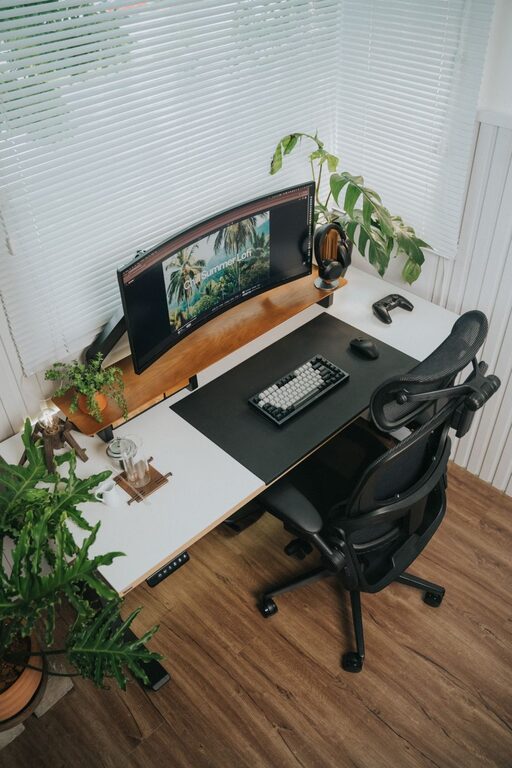
– Keep the top of your monitor at or slightly below eye level.
– Place the monitor about an arm’s length away from your eyes.
– Align the monitor directly in front of you to avoid twisting your neck.
If you use multiple monitors, position them so you’re looking straight ahead at your primary screen, with secondary screens adjacent.
—
Keyboard and Mouse Setup
Proper placement of your keyboard and mouse helps reduce strain on your wrists and arms.
– Keep your keyboard and mouse close enough to avoid reaching.
– Your wrists should remain in a neutral position, not bent up or down.
– Consider ergonomic keyboards or mouse options if you experience discomfort.
Using a wrist rest can also provide additional support.
—
Lighting Matters
Good lighting reduces eye strain and improves mood.
– Use natural light when possible, positioning your desk near a window but avoiding glare on your screen.
– Combine ambient lighting with task lighting, such as a desk lamp with adjustable brightness.
– Avoid harsh overhead lighting that creates shadows or glare.
—
Organize to Minimize Distractions
A tidy desk helps clear your mind and keeps essential items within reach.
– Use organizers or trays to store pens, papers, and office supplies.
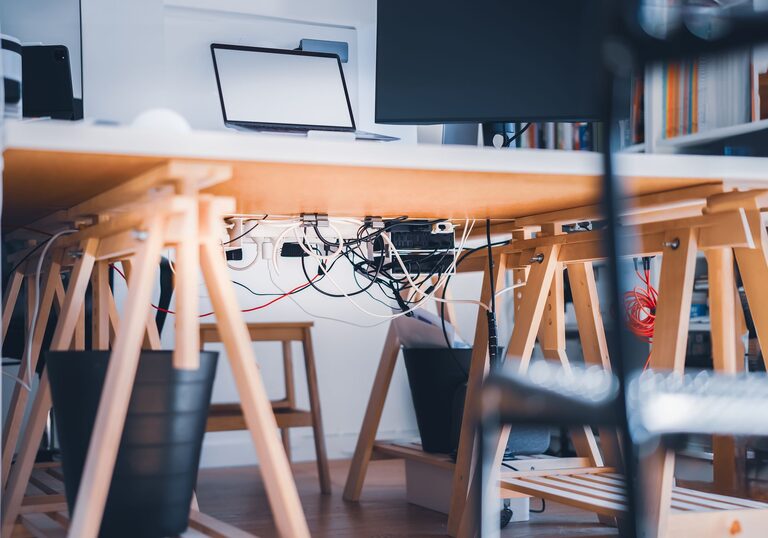
– Keep cables managed with clips or sleeves to avoid tangles.
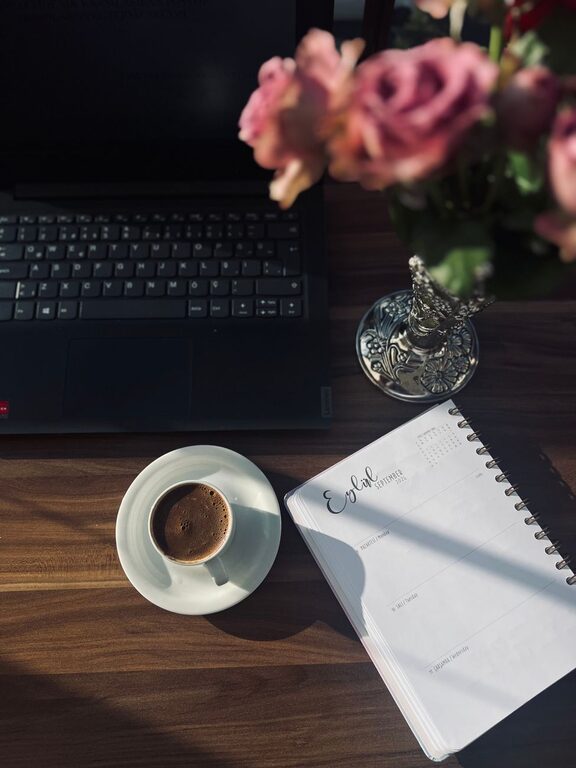
– Limit personal items to a few that inspire or motivate you without cluttering the space.
—
Personalize Your Workspace
Adding personal touches can increase your comfort and happiness.
– Add plants to improve air quality and bring a bit of nature indoors.
– Use colors that you find calming or energizing, whether through desk accessories or wall art.
– Play soft background music if it helps you concentrate.
—
Take Breaks and Move
Even with the best desk setup, it’s important to take regular breaks.
– Stand up and stretch every 30 to 60 minutes.
– Use reminders or apps to prompt movement.
– Consider quick exercises or walking to refresh your body and mind.
—
Final Thoughts
Creating a desk setup that balances focus and comfort doesn’t require major investments. Small changes like adjusting monitor height, choosing a supportive chair, and decluttering your area can make a big difference. Remember, your workspace should adapt to you—not the other way around. Take time to evaluate your habits and environment regularly to keep your desk setup optimized for productivity and well-being.
By following these tips, you can enjoy a more comfortable, focused, and enjoyable workday.
About the Author